
Cerebro: the keywords a competitor ranks for
Cerebro is a reverse ASIN lookup: give it competitor ASINs and it lists every keyword those products show up for, organically and in ads, with search volume and rank. Use it to see which searches bring a competitor their traffic, to build the keyword list for a launch or relaunch, and to find keywords where competitors rank and you don't yet.
- Open Cerebro
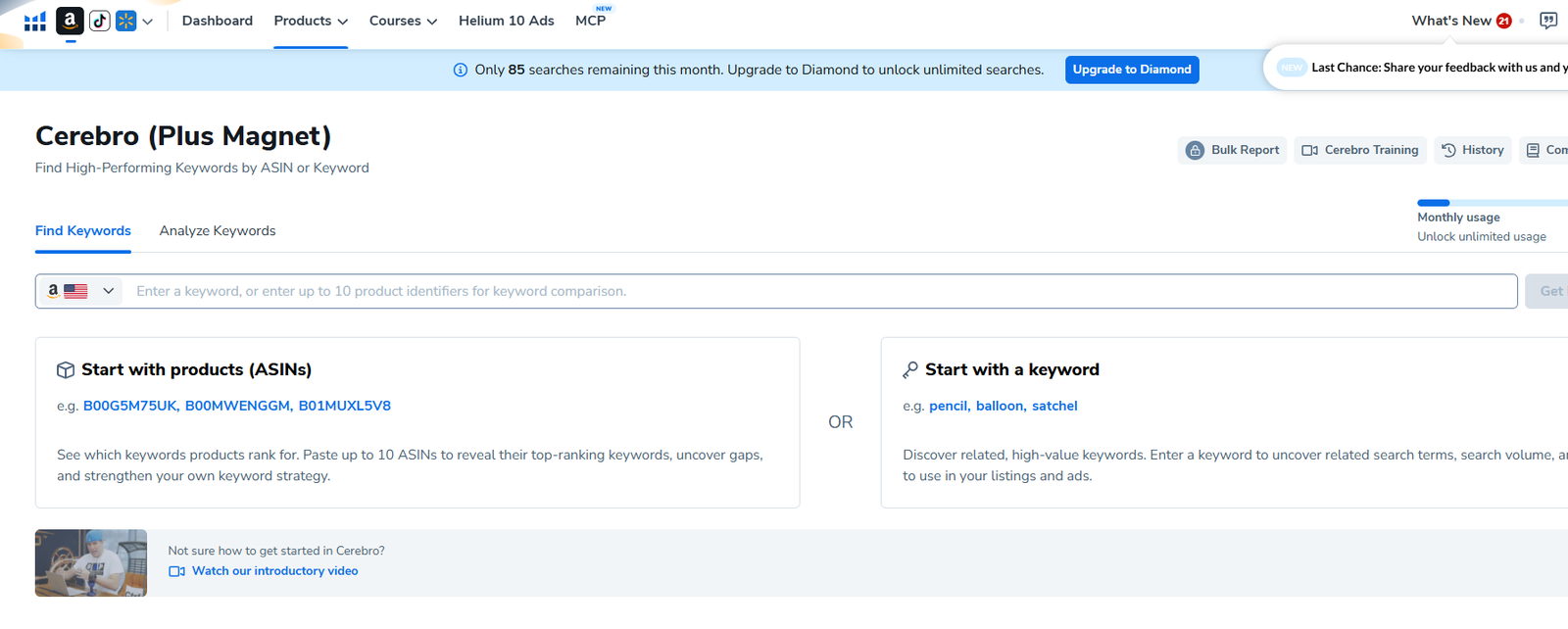
In the top menu, open Products, then under Product & Keyword Research choose Cerebro (Plus Magnet).
- Pick the marketplace
Use the flag at the left of the search box (Amazon US in the examples).
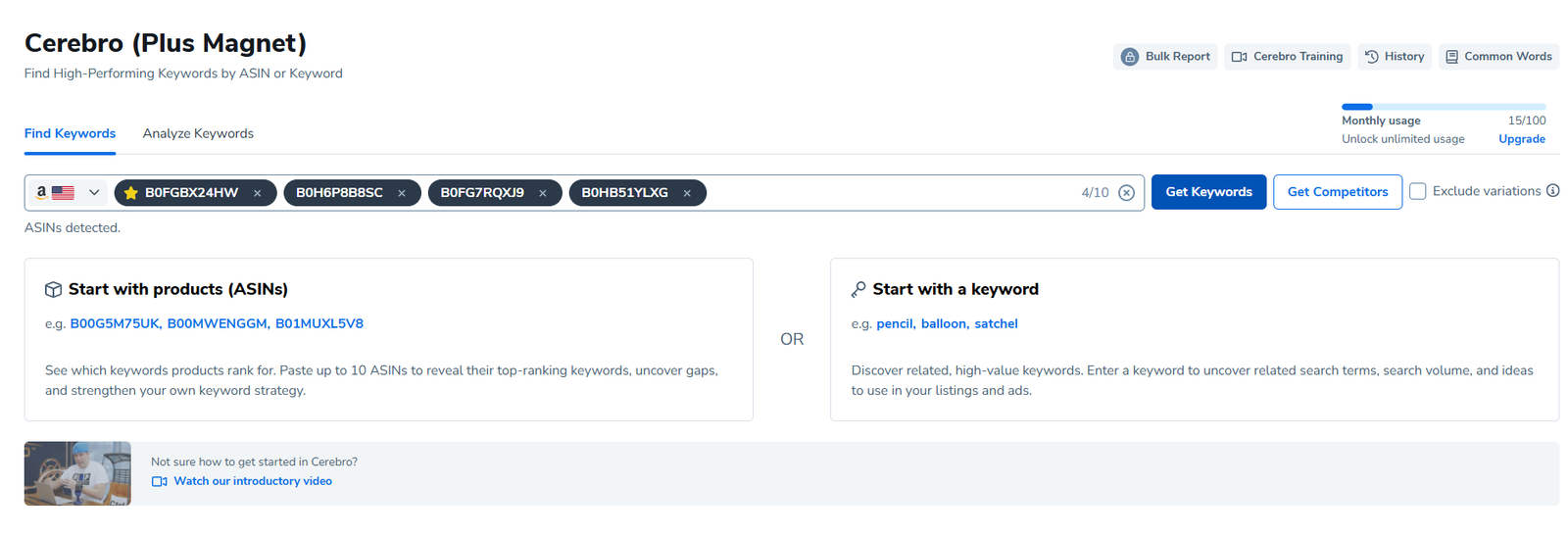
- Paste up to 10 ASINs
Use direct competitors at a similar price and size, plus your own ASIN if it's live. Typing a single keyword instead runs the Magnet side, which suggests related keywords.
- Click Get Keywords
Leave Exclude variations unticked unless you only want the exact child ASINs you entered.

Reading the results

| Part | What it tells you |
|---|---|
| Keyword distribution | How many keywords the ASINs rank for in total, organically, in ads (paid), and as Amazon's Choice/recommended |
| Amazon search volume | The combined and average monthly searches of all those keywords: the size of the traffic pool |
| Word frequency | The words that appear most across all keywords; the top ones belong in your title and bullets |
| Column | Meaning |
|---|---|
| Search Volume | Estimated monthly searches for the keyword on Amazon |
| Search Volume Trend | Change against the previous period: rising or falling interest |
| Cerebro IQ Score | Search volume relative to the number of competing products; higher means more opportunity |
| Competing Products | How many products Amazon returns for the search |
| Title Density | How many page-one products have the exact phrase in their title |
| CPR | Helium 10's estimate of sales needed over 8 days to reach page one |
| Match Type (O / S / A) | Whether the ASINs rank organically, sponsored, or as Amazon recommended for it |
| Sponsored Rank / Position | Where the ASINs appear for the keyword, in ads and organically |
| Suggested PPC Bid | Amazon's suggested bid range, where available |
| ABA Click / Conv. Share | Brand Analytics share of clicks and purchases held by the top products (shown when available) |
Filtering the list down
A search across four ASINs can return thousands of keywords. Start with a preset (Brand Name Removal, Exclude Special Characters, Opportunity Keywords, Top Keywords), then click Show Filters for the full panel.

| Filter | Setting | Why |
|---|---|---|
| Search Volume | Min 300 (lower for small niches) | Skip keywords too small to matter |
| Ranking Competitors (count) | Min 2 (of the ASINs you entered) | Keywords where several competitors rank are truly relevant |
| Competitor Rank (avg) | Max 30 | Competitors are on page one, so the keyword converts for them |
| Word Count | Min 2 | Single words are broad and expensive |
| Exclude Keywords | Competitor brand names | Brand searches rarely convert for you |
- Sort by Search Volume
Read down the list and delete anything that doesn't describe your product.
- Save what's left
Use Add to My List, Add to Keyword Tracker (to watch rank) or Add to Ads Campaign, or Export Data to a spreadsheet.
- Use it in three places
The top keywords go into the title and bullets, the rest into backend search terms, and the best into exact-match campaigns.
Related guides
- Helium 10 Keyword Tracker: daily rankTrack organic and sponsored rank for your keywords every day, read the heat map, and act on drops, gains and page-two opportunities.
- Helium 10 Xray: size up a marketRead estimated sales, revenue, prices and reviews for every product on an Amazon search page, filter out ads, and judge whether a niche is…
- Using Helium 10 and Jungle Scout estimates correctlySales and search volume figures from research tools are estimates. How to compare them, cross-check them against Amazon's own data, and…