
What SQP is
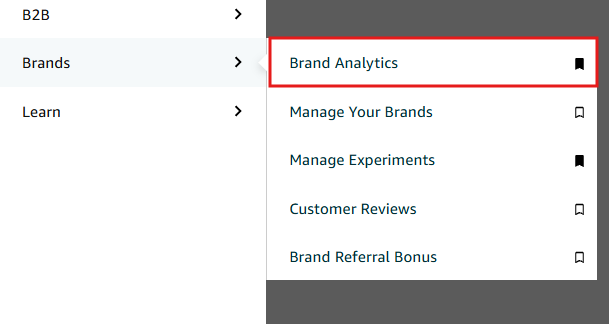
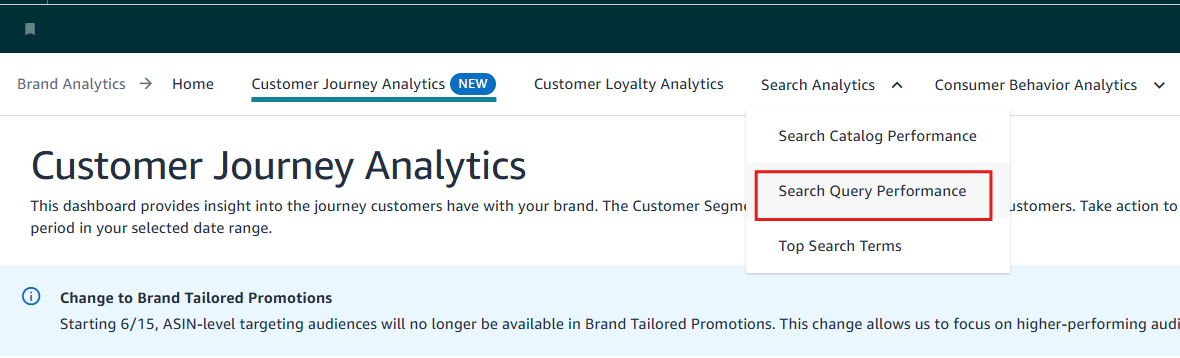
Search Query Performance (SQP) shows how shoppers move through the search funnel for each query: impressions → clicks → cart adds → purchases. It's in Brand Analytics → Search Query Performance, in a Brand view and a child ASIN view.
SQP purchases almost never match your total sales or Business Reports: SQP is computed differently. Here's what's in and out, so you read it correctly.
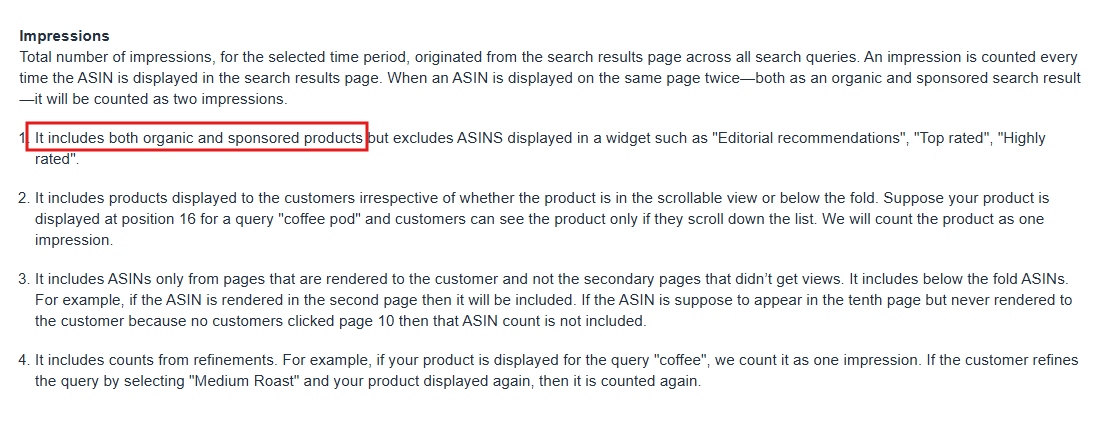
Only traffic from Amazon search results
| Included | Excluded |
|---|---|
| Search "protein shaker" → click an organic result on page 1 | A click from another product page |
| Search → click a top-of-search Sponsored Product | A click from the Deals page or the homepage |
| Search → click a rest-of-search Sponsored Product on page 1 | Category browsing, or traffic from an external site |
| Editorial recommendations, Top rated or other search widgets | |
| Anything on page 2 or beyond (the previous page is no longer the search results page) |
Top of search and page-1 ads are included
Not all PPC traffic is in SQP, and not none of it either. The same rule applies: SQP includes top of search and rest of search on page 1.
| Included | Excluded |
|---|---|
| Sponsored Products, top of search | Sponsored Products on a product detail page |
| Sponsored Products, rest of search on page 1 | Sponsored Display on a product page, or audience ads |
| Sponsored Brands placements not from a search results page | |
| Any placement where the previous page wasn't search results |
How purchases are counted
| Rule | Example |
|---|---|
| Purchase within 24 hours of the search | Search today, buy today: counted. Add to cart today, buy two days later: not counted. |
| One purchase per order, not units | Buy 5 units of the same ASIN in one order: 1 purchase. Another reason SQP is lower than units in Business Reports. |
| The purchased ASIN must be the clicked ASIN | Click Blue / Medium, buy Black / Large: not attributed to the clicked ASIN. A big difference from PPC attribution. |
A purchase counts in SQP only if
- It started on an Amazon search results page (not a widget)
- It happened within 24 hours
- The purchased ASIN is the clicked ASIN (ASIN view)
Definitions of every metric (impressions, clicks, CTR, cart adds, purchase rate, brand share, ASIN share…) are in Amazon's SQP glossary in Brand Analytics.
Related guides
- How to use SQP: shares, opportunities and shopping conceptsRead Search Query Performance as your share of the market at each funnel step, spot the four patterns (including queries where you convert…
- Keyword research from Search Query PerformanceBuild a keyword sheet from Search Query Performance, organic rank and your search term report, and mark each keyword good ranking, target…
- Master keyword list and keyword groups for a launchFrom the SQP and PPC tabs, keep the keywords where your CVR beats the average, group them under 1–3 word root keywords with their long…