What it is and the recommendation
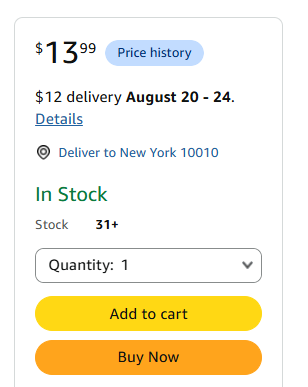
With FBM you can charge customers a separate shipping fee. In almost every case, don't: offer free shipping and build the expected shipping cost into the price.
| Instead of | Use |
|---|---|
| $24.99 + $5 shipping | $29.99 + FREE shipping |
Revenue per order stays the same, but the offer becomes much more attractive. If shipping varies by destination, use your average shipping cost per order from your historical order mix, and review it periodically so unit economics don't change.
Why
| Reason | Detail |
|---|---|
| Higher conversion | In testing, conversion is consistently higher with free shipping: shoppers respond better to one clear, all-inclusive price than a lower price plus shipping. |
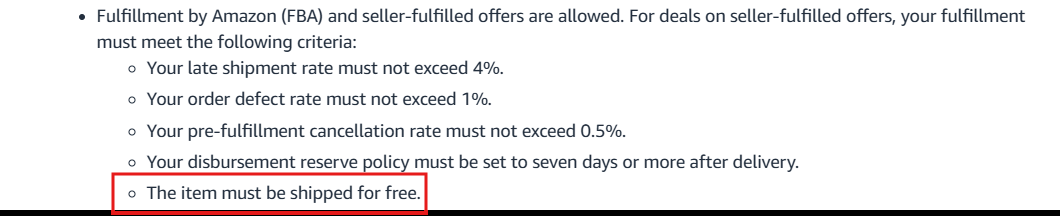
| Deals and promotions | Charging for shipping makes the offer ineligible for Amazon Deals and other promotions that require free shipping. |
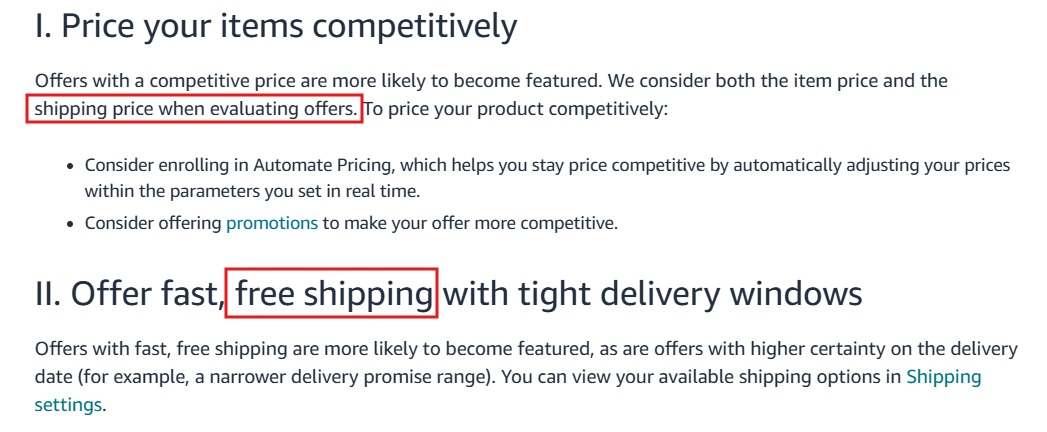
| Featured Offer | Amazon looks at the total price (item + shipping) for the Featured Offer and recommends free shipping as a way to compete, so splitting out shipping gives no advantage and can hurt conversion. |
| Multi-unit orders | Shipping doesn't rise in proportion to units, so with shipping in the price, 2+ unit orders earn more per order. With frequent multi-unit orders, you can run a higher TACOS or a lower base price. |
How to change your shipping settings
- First, raise the product price
By the shipping cost you're about to remove, so you don't lose margin even briefly.
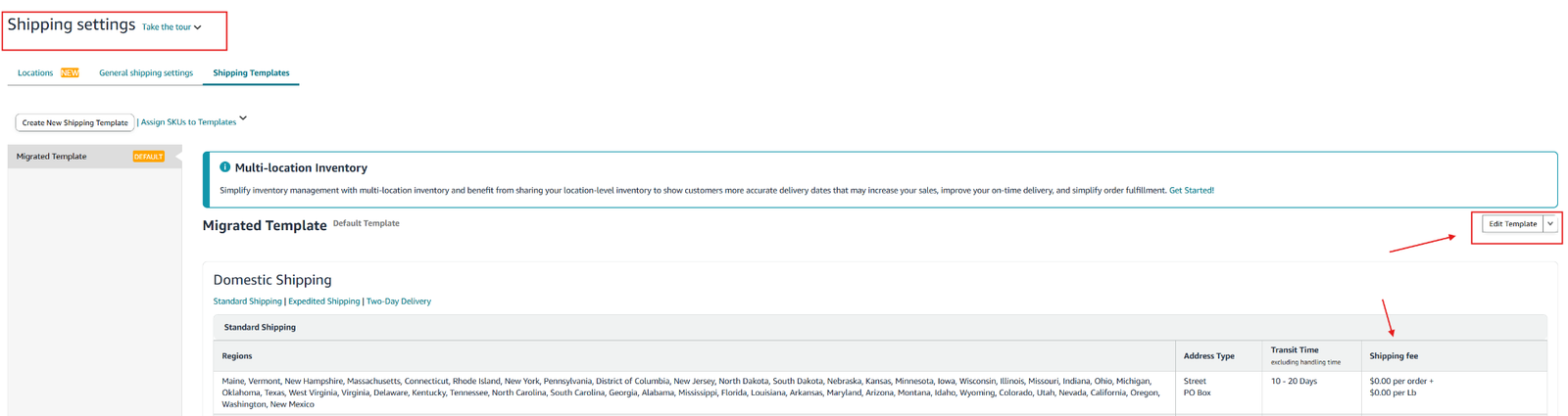
- Open Shipping settings and click Edit template on your main template
Seller Central›Seller Central›Settings›Shipping settings›Shipping templates
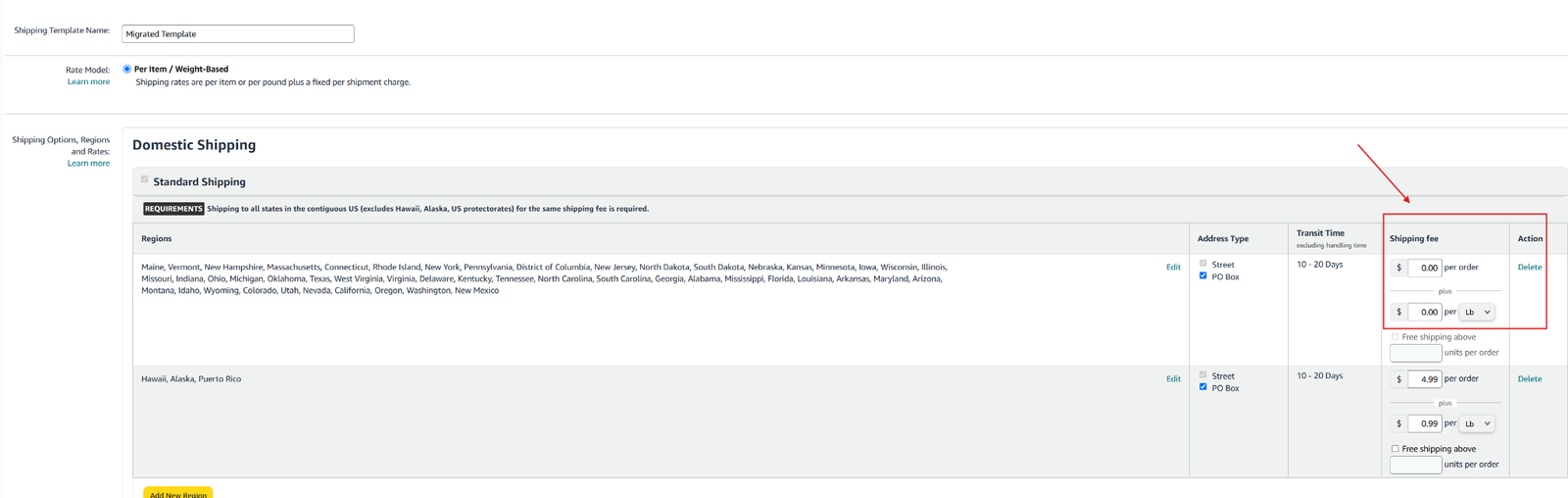
- Set Standard shipping to $0.00 for your core regions
Alaska, Hawaii and Puerto Rico: free only if the extra cost is in your price. Don't change Expedited or Two-Day rates (you can still charge for those).
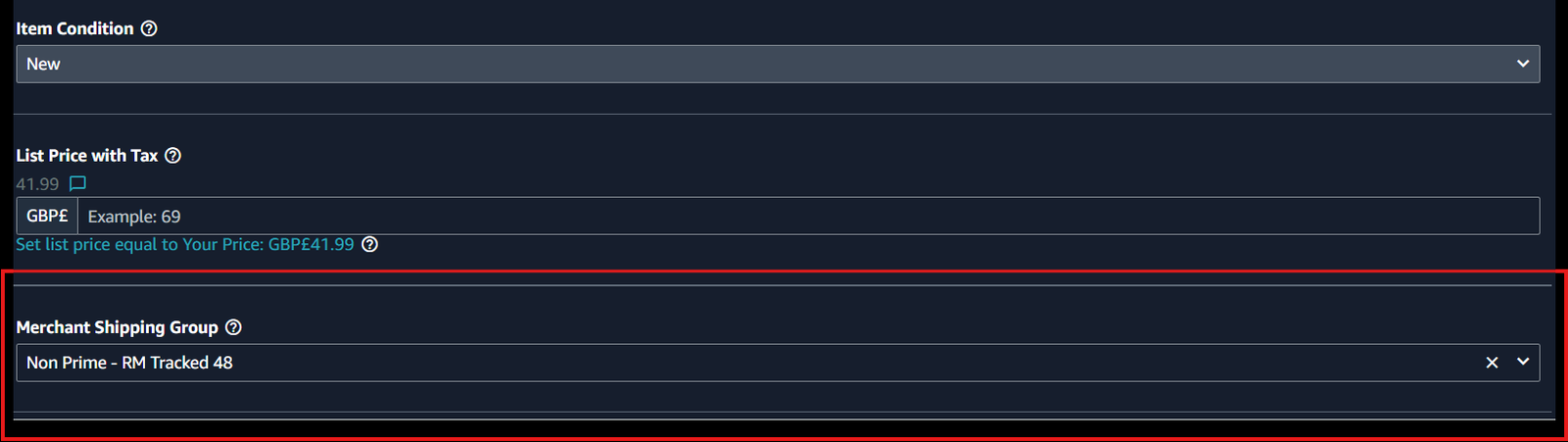
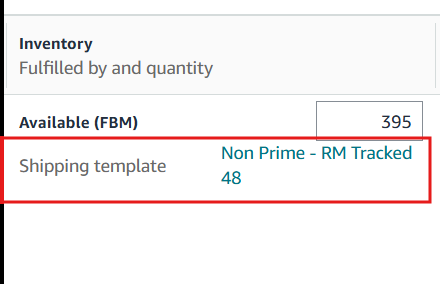
- Check every FBM SKU uses the updated template
Manage Inventory → search the product → Edit listing. With several templates, review the SKUs on each and update them from the drop-down.